
What Stokes County Court Dockets Show
A docket is the court's event record and calendar trail. In Stokes County, docket information may identify the case number, party or business name, hearing type, courtroom, judicial officer, date range, and location. It can help a defendant, plaintiff, witness, attorney, or member of the public confirm that a case is set for a hearing. It does not replace the full case file. Motions, pleadings, orders, exhibits, and certified documents are still handled through the case record and, when needed, the Clerk of Superior Court.
The North Carolina courts overview gives the statewide court structure that controls Stokes County court dockets.
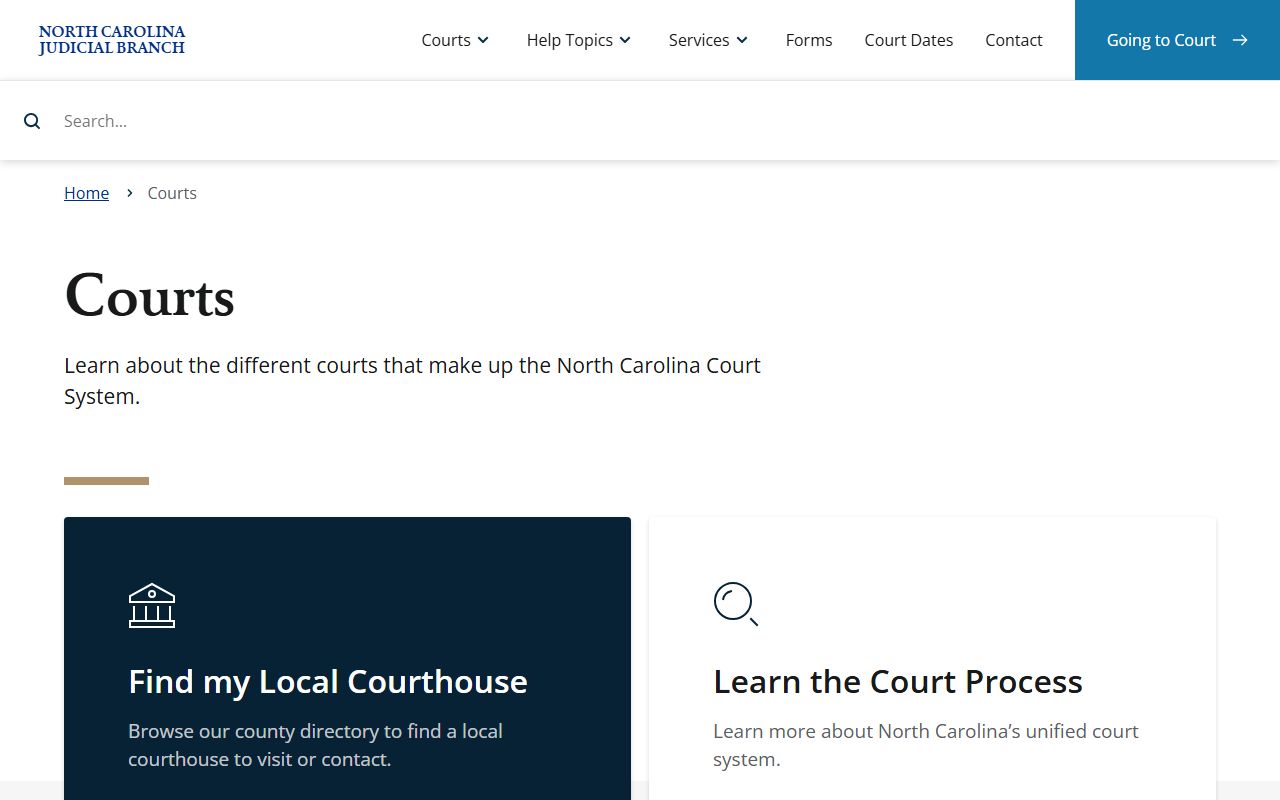
That structure matters because Superior Court, District Court, magistrate, and small claims matters can each create different calendar events in the same statewide court system.
Dockets also differ from public terminal case searches. The NC Judicial Branch says criminal case information can be accessed at public self-service terminals at clerk offices by defendant name, case number, or victim or witness name. Civil, special proceeding, and estate case information can also be accessed through those terminals. Portal hearing searches are the online calendar side of that access chain, while the terminal and clerk file route remains important when the online calendar does not answer the question.
Search Stokes County Court Dockets Online
The online docket route is the NC eCourts Portal Search Hearings tool. It is built for hearing lookup rather than general case lookup. A user chooses a location, hearing type, search type, name or case data, courtroom, judicial officer, and date range. Stokes County appears among the eCourts locations, and the Stokes-specific courtroom options captured in the research include Stokes Co. Courthouse Clerk's Office, Courtroom 9999, Courtroom A, Courtroom B, and Courtroom C.
- Open the NC eCourts Portal and choose Search Hearings for docket and court-date lookup.
- Select Stokes County as the location when the search needs to be limited to local court sessions.
- Choose the hearing type, such as civil, criminal, family, or probate or mental health, when known.
- Pick the search type, then enter the case number, party name, business name, attorney name, attorney bar number, judicial officer, or courtroom.
- Review the hearing date, courtroom, location, and case identifiers, then call the Stokes County Clerk of Superior Court if the result is unclear.
Stokes County Docket Search Fields
Search Hearings has a different field set than Smart Search. The most important choice is the search type because it controls which input fields appear. Party searches use name fields and may use Sounds Like. Attorney searches use attorney name or bar number. Courtroom searches use local courtroom values. The date range should be set wide enough to find a continued or reset matter but narrow enough to avoid a long result list.
| Field / Control | Type | Required | Options / Format Notes |
|---|---|---|---|
| Location | Dropdown | Yes | All eCourts counties; Stokes County is listed. |
| Hearing Types | Dropdown | Yes | All Hearing Types, Civil, Criminal, Family, Probate or Mental Health. |
| Search Types | Dropdown | Yes | Case Number, Party Name, Business Name, Attorney Name, Attorney Bar Number, Judicial Officer, Courtroom. |
| Sounds Like | Checkbox | Optional | Useful for party-name searches when spelling is uncertain. |
| Last / First / Middle Name | Text | Conditional | Appears for party or name-based searches. |
| Judicial Officer | Dropdown | Conditional | Uses the statewide judicial officer list. |
| Courtroom | Dropdown | Conditional | Includes Stokes Co. Courthouse Clerk's Office, Courtroom 9999, Courtroom A, Courtroom B, and Courtroom C. |
| Date From / Date To | Date | Optional | Limits hearing results by date range. |
Stokes County Dockets by Court
Stokes County is in Prosecutorial District 23, Superior Court District 23, and District Court District 23. The county does not run separate municipal-style court systems for these state cases. Superior Court, District Court, magistrates, and small claims functions are part of the North Carolina General Court of Justice. That means local docket access turns on the statewide Portal, local administrative schedules, and the clerk's office, not a separate county docket website.
The Superior Court overview explains the division that handles felony criminal cases and higher-value civil cases.
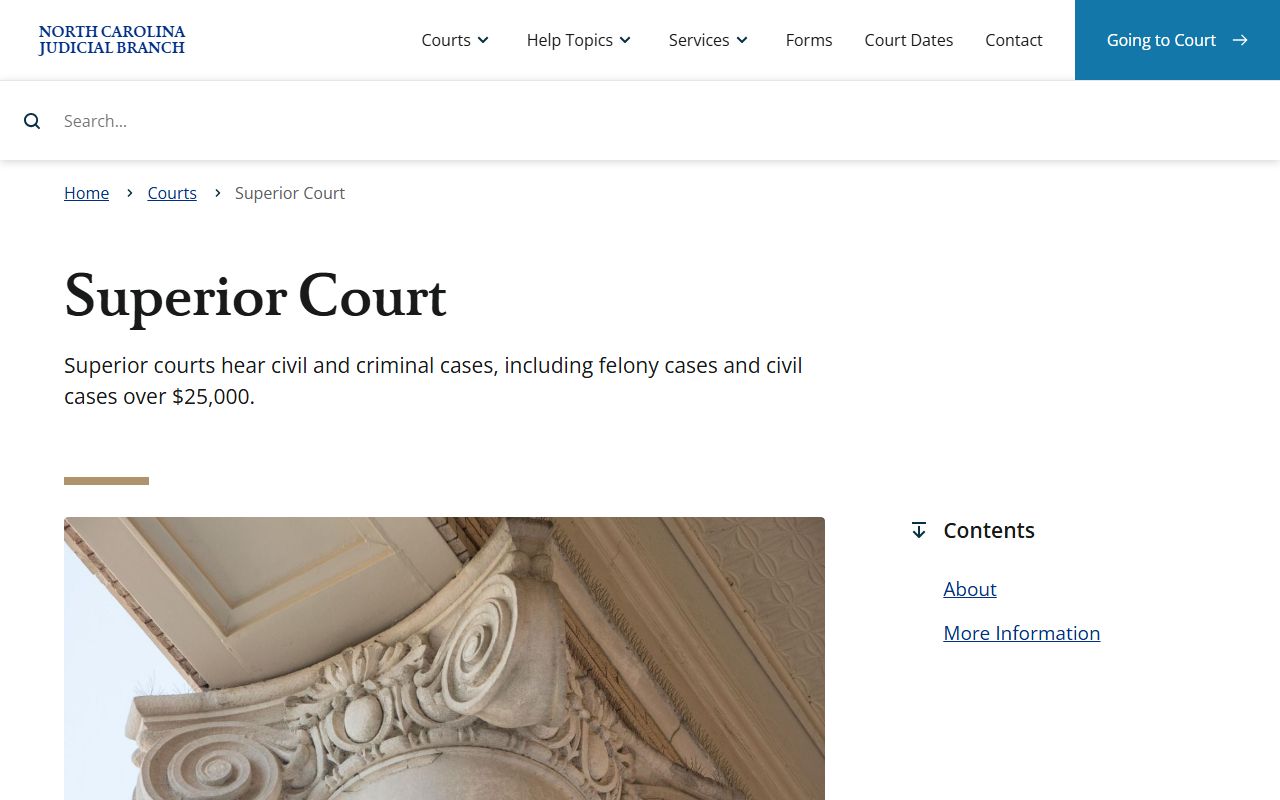
Superior Court docket entries in Stokes County may involve felony settings, civil matters above the District Court threshold, and appeals from misdemeanor or infraction cases.
- Superior Court dockets cover felony criminal cases, larger civil cases, appeals from District Court misdemeanors and infractions, and selected special proceedings.
- District Court dockets cover misdemeanors, infractions, family matters, juvenile matters, civil cases under the state threshold, and small claims appeals.
- Magistrate and small claims matters may involve warrants, bail decisions, minor pleas, landlord-tenant cases, and small claims functions.
- The Clerk of Superior Court keeps court records, files, dockets, indexes, and estate matters, and the local clerk phone is (336) 593-4400.
Sample Stokes County Docket Data
The research did not capture a rendered sample hearing row from the Portal, but it did capture the field types that define a docket result. A practical docket entry should be read as a scheduling record first. It may point to a case file, but it may not show the full set of pleadings, exhibits, orders, or all prior events. If a docket entry says a hearing is in Courtroom A or Courtroom B, that is a hearing-location clue, not a substitute for checking courthouse posting or calling the clerk if the matter is time-sensitive.
| Field | What It Shows |
|---|---|
| Location | The court location selected for the hearing, including Stokes County when filtered locally. |
| Hearing Type | The general hearing category, such as civil, criminal, family, probate, or mental health. |
| Search Type Match | The case number, party, business, attorney, judicial officer, or courtroom used to find the event. |
| Courtroom | The local room or court setting, such as Courtroom A, Courtroom B, Courtroom C, Courtroom 9999, or the Clerk's Office option. |
| Date Range | The hearing window used by the search, which may need adjustment if a case was continued. |
| Case Identifier | The docket's link back to the underlying case record and clerk file. |
Docket vs Full Case Record
A Stokes County court docket is useful for tracking where a case is in the schedule. A full case record is broader. It can include pleadings, motions, orders, judgments, dispositions, sentence terms, financial obligations, and paper filings held by the clerk. Docket lookup is often the right first step when the core question is "When is court?" Full case-record lookup is better when the question is "What happened in the case?" or "What document do I need?"
| Docket | Full Case Record | |
|---|---|---|
| Primary Use | Find hearing dates, courtrooms, and calendar status. | Review filings, orders, dispositions, and certified records. |
| Online Tool | Portal Search Hearings. | Portal Smart Search plus clerk files and public terminals. |
| Best Search Clue | Date range, courtroom, party, attorney, or case number. | Case number, party name, case type, or file date. |
| When to Call | When court time, room, or setting is unclear. | When a certified copy or full paper file is needed. |
Reading Stokes County Dockets
Reading a docket starts with court level and hearing type. A felony criminal setting will usually point to Superior Court, while misdemeanors, infractions, and many family matters route through District Court. A docket may also show a courtroom or judicial officer. Those fields help distinguish a case from another case with similar names. If the docket is tied to a criminal matter, the docket may not fully explain the charge history, plea, or sentence. For those details, the full Stokes County criminal court records entry should be checked.
The NC court officials overview explains the roles that may appear around a docket, including clerks, magistrates, district attorneys, and judges.
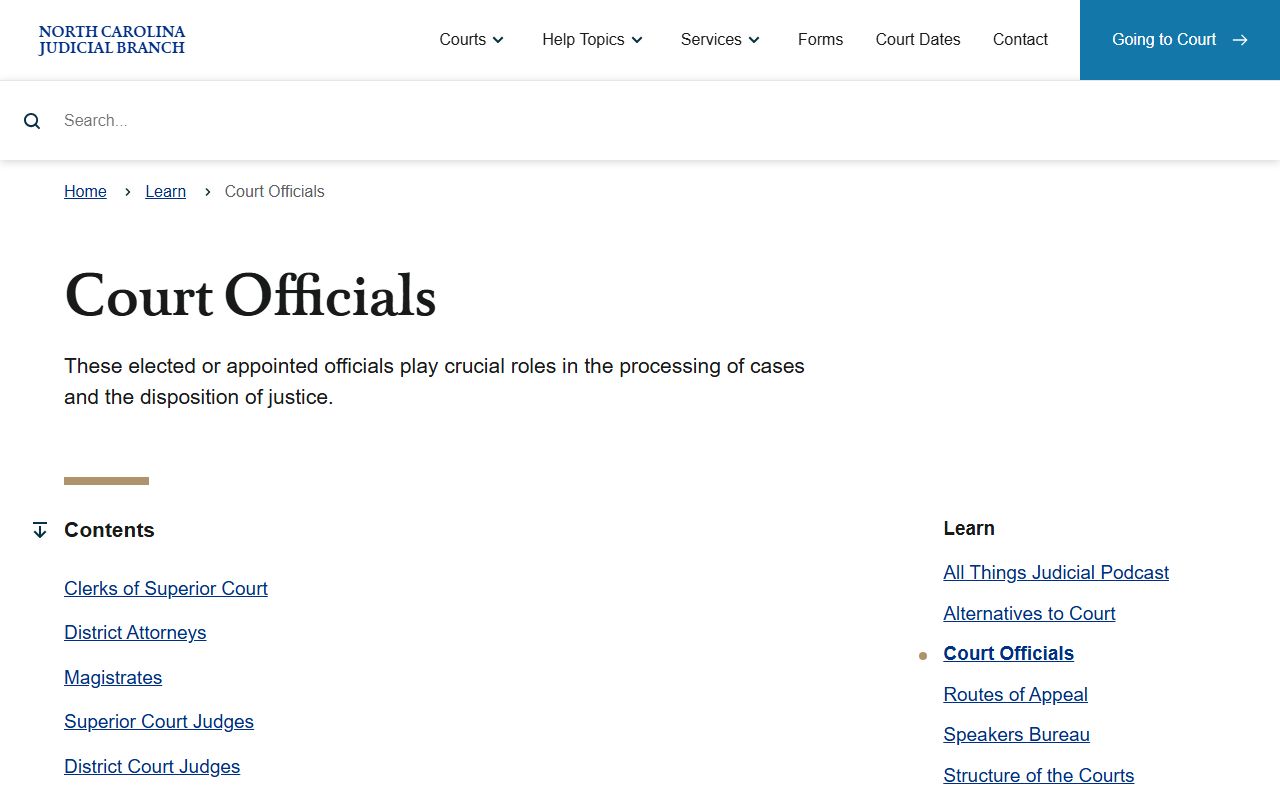
Knowing which official controls which part of the process helps separate a scheduling question from a record-copy, prosecution, or magistrate question.
The Stokes County judicial directory is the source for local court contacts, including the clerk, judges, magistrates, district attorney contacts, custody mediator, and Guardian ad Litem.
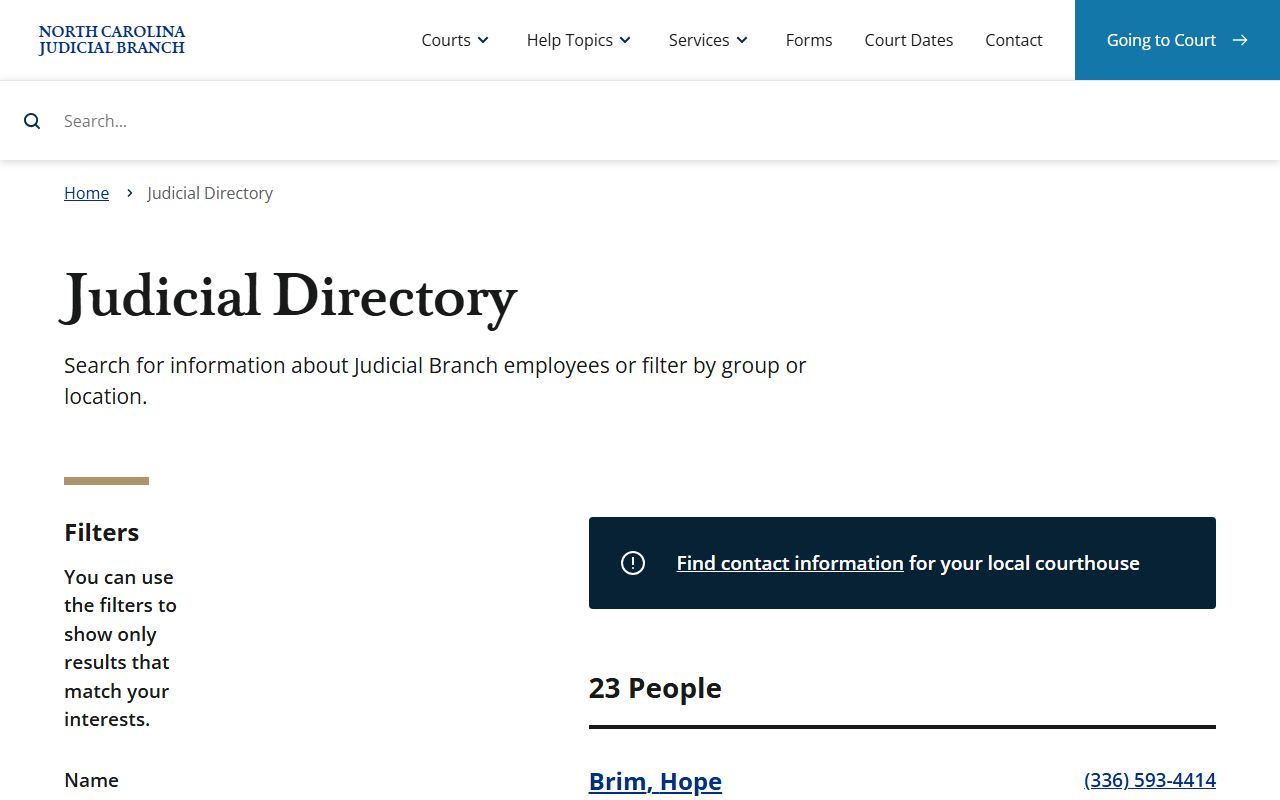
For a Stokes County docket question, those directory entries are more precise than a general statewide help page because they identify the local office tied to the court setting.
The District Court overview describes the division that handles misdemeanors, infractions, family matters, juvenile cases, lower-value civil cases, and magistrate functions.
District Court is the source of many day-to-day Stokes County docket searches, especially for traffic, misdemeanor, family, and small claims calendar questions.
Note: Courtroom and hearing-time details should be verified close to court because continuances and calendar updates can change docket results.